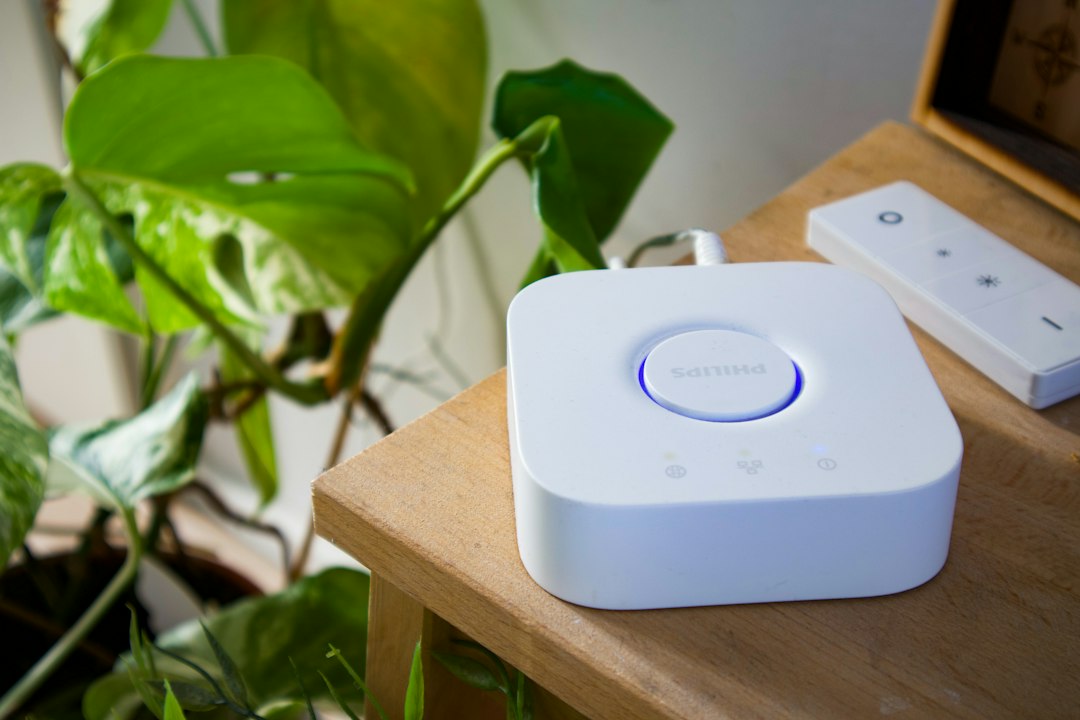
When older accessories disappear after new Home Assistant entities are exposed to Apple Home, the bridge may be overloaded, filtered differently, or represented by a changed configuration. The safest repair is to reduce and stabilize the bridge rather than repeatedly deleting it from both systems.
What this failure pattern tells you
This guide uses a narrow diagnostic sequence: confirm the pattern, protect the current configuration, test the smallest likely cause, and verify the result before moving deeper. That approach avoids turning one failed device or automation into a site-wide recovery job.
- Some accessories vanish while the HomeKit Bridge integration remains loaded.
- The issue appears after exposing a large room, domain, or group of entities.
- Home shows ‘No Response’ for a subset of accessories.
- Re-pairing temporarily restores devices but the problem returns.
Most likely causes
- Too many accessories or services are exposed through one bridge.
- Include/exclude filters changed after an entity rename.
- Unsupported or unusually complex entities create excessive services.
- The bridge’s pairing state and Apple Home cache no longer agree.
- Network isolation blocks mDNS between Home Assistant and Apple hubs.
Before changing anything
Make a current Home Assistant backup and download it somewhere outside the system. Take screenshots of the affected integration, device, entity IDs, and any relevant automation. Record the exact time of the next failure so the log window stays small. If the issue involves radio hardware, do not unplug it while Home Assistant is writing data.
Step-by-step diagnosis and repair
- Create a Home Assistant backup and capture the current HomeKit Bridge include/exclude configuration.
- Count exposed entities and identify high-service devices such as multi-sensors, media players, or complex climate entities.
- Temporarily narrow one bridge to a small, essential set using explicit includes.
- Reload the integration and wait before making another change; Apple Home synchronization is not always immediate.
- Confirm Home Assistant, the iPhone, and the active Apple home hub can exchange local mDNS traffic across VLANs.
- If the smaller bridge is stable, divide devices logically across multiple bridges rather than placing everything on one.
- Only as a final step, remove one confirmed broken bridge pairing and re-pair it using the new stable scope. Expect room assignments and automations to require review.
How to verify the repair
Do not declare success immediately after a reload. Repeat the original action several times, then observe the system through at least one normal restart or reconnect cycle. Review the log at the exact test time and confirm that the affected entities update normally. If the problem was intermittent, keep a short note of the previous failure interval and monitor beyond it.
Common mistakes to avoid
- Do not delete every bridge simultaneously.
- Do not expose entire domains when only a few entities are useful.
- Do not keep changing filters during Apple Home synchronization.
A practical decision rule
If several unrelated devices fail at the same moment, investigate shared infrastructure: power, network, broker, radio, host load, or a recent update. If only one model or entity fails while everything around it remains stable, focus on that device’s identity, firmware, configuration, and signal path. Rebuilding a healthy shared integration should be the final option, not the first.
When to restore a backup
Restore only when you can identify a known-good backup from before a harmful configuration change and you understand what newer changes will be lost. A backup is not a substitute for diagnosing failing hardware, interference, duplicate identifiers, or unstable power; those problems will return after restoration.
Frequently asked questions
Should I use one bridge or several?
Several smaller, logically grouped bridges are often easier to diagnose and keep within practical accessory and service limits.
Will re-pairing preserve Apple Home rooms?
Not reliably. Treat re-pairing as a last resort and document room and automation assignments first.
Why do VLANs matter?
HomeKit discovery relies heavily on local multicast discovery, which routed or isolated networks may block.
Bottom line
Start with evidence from the affected device, integration, trace, or topic. Protect the working system, change one variable, and verify through the original failure condition. That is slower than random resets for five minutes and much faster than rebuilding an entire smart home unnecessarily.
Deep diagnostic worksheet
Use this worksheet when the quick repair does not hold. The objective is to build a timestamped explanation of the HomeKit Bridge accessory loss problem rather than accumulate unrelated changes. Keep credentials and private addresses out of screenshots or public reports.
- Count accessories exposed through each bridge and record the filter configuration. Home Assistant’s official documentation notes a maximum of 150 unique accessories per bridge.
- Identify whether missing items share a domain, room, integration, or recent rename. A filter mismatch often removes a group predictably rather than at random.
- Record bridge names, pairing state, Apple home hub status, and the last configuration change. Avoid deleting pairings while collecting evidence because re-pairing can disturb room assignments.
- Confirm Home Assistant, the phone, and the active Apple home hub can exchange local multicast discovery traffic. Guest Wi-Fi, VLAN isolation, or multicast filtering can break discovery.
- Reduce one test bridge to a small explicit include list. This separates bridge-size and entity-complexity problems from general network failure.
- Review unsupported or unusually complex entities. One physical Home Assistant device can expose multiple HomeKit services, so entity count alone may not describe bridge complexity.
- Wait after reloading a bridge and make one change at a time. Apple Home synchronization and hub caching can make rapid edits appear inconsistent.
- Document Apple Home automations and room assignments before any final re-pair, because removing and adding a bridge may require rebuilding organization.
Failure-pattern examples
- Accessory count approaches 150: split devices into logical bridges before adding more and keep explicit filters.
- Only renamed entities disappear: update include/exclude filters and reload the affected bridge, then allow synchronization time.
- Everything shows No Response after a network change: investigate mDNS routing, VLAN rules, Wi-Fi isolation, and active home-hub connectivity.
- A small test bridge works but the large bridge fails: reduce scope and separate complex domains rather than repeatedly re-pairing the same oversized bridge.
- One bridge is healthy and another is not: isolate configuration and pairing work to the failing bridge; do not delete every HomeKit integration.
Advanced notes that prevent false fixes
- The 150-accessory limit applies per bridge, and service complexity can create practical issues before the numeric limit.
- Explicit include lists are easier to audit than exposing entire domains by default.
- Cameras and other complex accessories may deserve separate planning because their requirements differ from simple switches.
- Network changes can mimic configuration failures; prove local discovery works before rebuilding pairings.
- Re-pairing is destructive to organization even when it fixes connectivity, so it belongs late in the decision tree.
- Maintain a bridge inventory containing purpose, included entities, approximate accessory count, pairing date, and responsible Apple home.
Final verification checklist
Verification must reproduce the original condition. A page reload or one successful command is insufficient for an intermittent problem.
- Every intended accessory appears once.
- The bridge remains responsive through a home-hub change or normal restart.
- Accessory count stays below the documented limit.
- Room assignments and automations remain intact.
- No unintended entity domain is exposed.
- The result remains stable after synchronization time.
Official reference
Technical behavior and terminology were checked against Home Assistant HomeKit Bridge documentation. Interface labels and capabilities can change, so use the current official page when your installed version differs.